

Before a single frame of video gets generated, the strongest productions lock faces, wardrobes, rooms, and props as still images first. A locked still is cheap to iterate, easy to check by eye, and — fed into a video model as a reference — removes an entire category of continuity failure before it can happen. This guide covers the prompt formula that works across every still-image model, then what's genuinely different family to family: how each one wants a reference image addressed, and which one to reach for by job.
The formula, across every still-image model
Subject identity + Pose/crop + Environment or backdrop + Lighting + Lens/framing + Constraints.
e.g. A weathered dock foreman, three-quarter portrait, tired eyes to camera, clean seamless grey backdrop, soft key light from camera-left, 85mm shallow depth, photoreal, no text, no watermark.
Sweet spot: roughly 40-120 words. This is a practitioner convention, not a documented rule from any single provider — none of the major image models publish an official prompting formula, this structure is simply what consistently works across all of them. Put identity locks and lighting in the first half of the prompt.
The universal prompt formula
The formula, across every still-image model
Subject identity + Pose/crop + Environment or backdrop + Lighting + Lens/framing + Constraints.
e.g. A weathered dock foreman, three-quarter portrait, tired eyes to camera, clean seamless grey backdrop, soft key light from camera-left, 85mm shallow depth, photoreal, no text, no watermark.
Sweet spot: roughly 40-120 words. This is a practitioner convention, not a documented rule from any single provider — none of the major image models publish an official prompting formula, this structure is simply what consistently works across all of them. Put identity locks and lighting in the first half of the prompt.
Choosing a model, by job
A real production finding worth knowing before you rely on reference locking
Prompting Gemini's Nano Banana image models
Google's Nano Banana family (Flash and Pro tiers) is generally the fastest-iterating option in this space, with the Pro tier taking meaningfully more reference images and higher output resolution.
- No first-party prompting formula exists from Google for this family specifically — the subject/pose/environment/lighting/lens/constraints structure above is community convention, checked against Google's own official quickstart materials, not a documented Gemini standard.
- References are addressed in prose, matched to upload order: "using the first reference for the subject's face and wardrobe, and the second for the environment's architecture only, place the subject standing in that environment. Keep the face exact; ignore the environment's original occupants."
- Higher tiers take more references and higher resolution — worth the step up specifically for multi-character continuity plates or a hero still meant to hold up at large size, not for routine iteration.
Three-quarter character sheet of a chef in a crisp white coat, arms crossed, warm confident half-smile, seamless warm grey backdrop, soft studio key, photoreal, 50mm. No text.
Subject, pose, environment, lighting, and lens are all present as plain description — this is the universal formula applied directly.
Prompting Seedream for multi-reference continuity
Seedream's standout feature is reference-image capacity — its lighter tier in particular takes enough reference images in one call to hold several characters, props, and a location together before any video model ever sees them, since video models typically cap at just one to three references each.
- Same universal formula and reference-addressing convention as the Gemini family — prose roles matched to upload order, not a special tag syntax.
- Quality/resolution tiers exist on both variants — set the higher tier explicitly for a still meant to be final art rather than a draft; the default tier is meant for iteration, not delivery.
Single wide still: two people in formal outfits standing either side of a reception desk, warm confident expressions, hotel lobby behind them empty of other people. Preserve faces and outfits from references exactly. Warm tungsten practicals, 35mm, photoreal.
A genuine multi-reference continuity plate — the kind of shot that needs more reference capacity than a typical video model, or even most other image models, can take in one call.
Prompting GPT Image for masked edits
OpenAI's image family is the one to reach for specifically when an edit needs to be constrained to one exact region of an image, via a real mask.
- Masked inpainting is the specialty. Supply a mask alongside the source image, and the prompt only has to describe what fills the masked region — "replace only the masked region with a single object of [description], keep everything else identical."
- Fine on-image typography is a genuine strength on the newer tier specifically, alongside general prompt adherence.
- Same universal formula for a from-scratch generation; the mask workflow is a distinct mode, not a variant of the standard prompt.
Replace only the masked region with a single ceramic mug on the table's surface. Keep everything else in the image identical.
The prompt describes only the change; the mask (a separate image, not a text instruction) defines exactly where that change is allowed to happen.
Prompting FLUX for identity-preserving edits
FLUX's edit mode ("Kontext") is a genuinely different prompting shape from a from-scratch generation — it's a delta instruction against one source image, not a scene description.
Same person, same jacket, same framing. Remove the sunglasses. Soften the expression from a smirk to a calm half-smile. Keep the lighting and background exactly as they are.
This is a delta — an instruction about what changes — not a redescription of everything that should stay the same. State the keep, then the one change, in that order.
Other FLUX tiers in the broader family are general-purpose stills with strong prompt adherence and a photographic, less-stylized default look — reach for those for a from-scratch still where precise text-following matters more than reference-image capacity, since FLUX's non-edit tiers typically take only a single reference image.
Prompting Ideogram for on-image text, and Recraft for design work
Two specialist families, each strong at something the general-purpose models aren't.
Ideogram: on-image text and character consistency
- Best-in-class on-image text rendering is the model's real strength — though note this is a model capability, not something unlocked by a documented prompting formula; Ideogram's own developer docs describe the prompt field simply as free text, with no special syntax for text rendering.
- Ideogram's character-consistency mode works differently from every other family here: the prompt describes only the new scene — not the character at all. Identity comes entirely from the uploaded reference image. A real example from Ideogram's own documentation: "A cinematic medium shot of a man sitting on a motorcycle in a dimly lit garage" — no character description in the prompt whatsoever.
Recraft: design and illustration, no reference images
Recraft is a design/illustration specialist with no reference-image upload at all — it's the wrong tool the moment a face, prop, or location needs to be locked from an existing image, and the right one for brand-consistent illustration or vector-style work generated from text alone.
Built from official sources
- Ideogram's own developer documentation (character-reference behavior, prompt field description); FLUX's own documentation and examples (Kontext edit-instruction pattern); general practitioner convention for the cross-model prompt formula, checked against each provider's official materials where one exists.
Prompting hero images and web creative
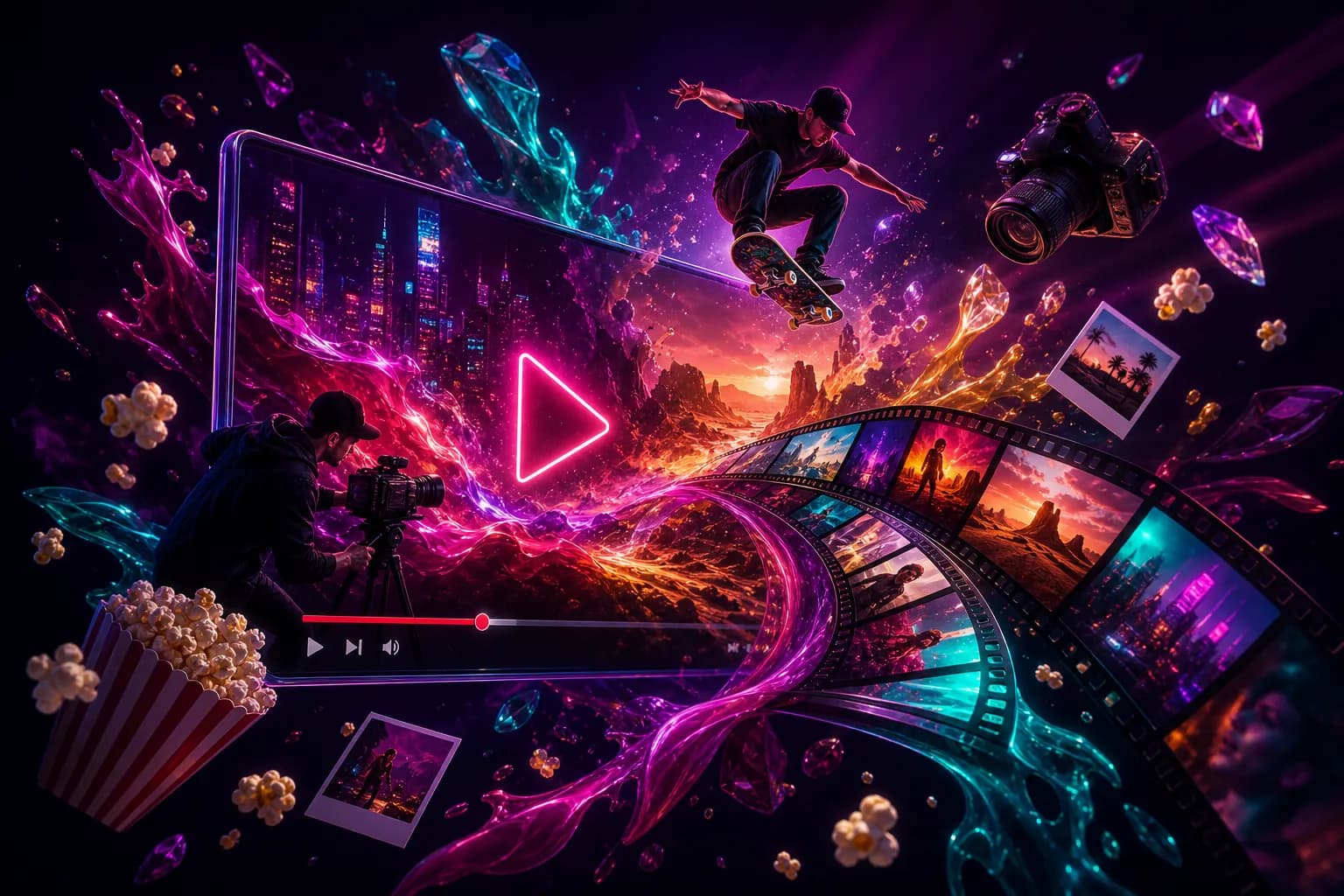
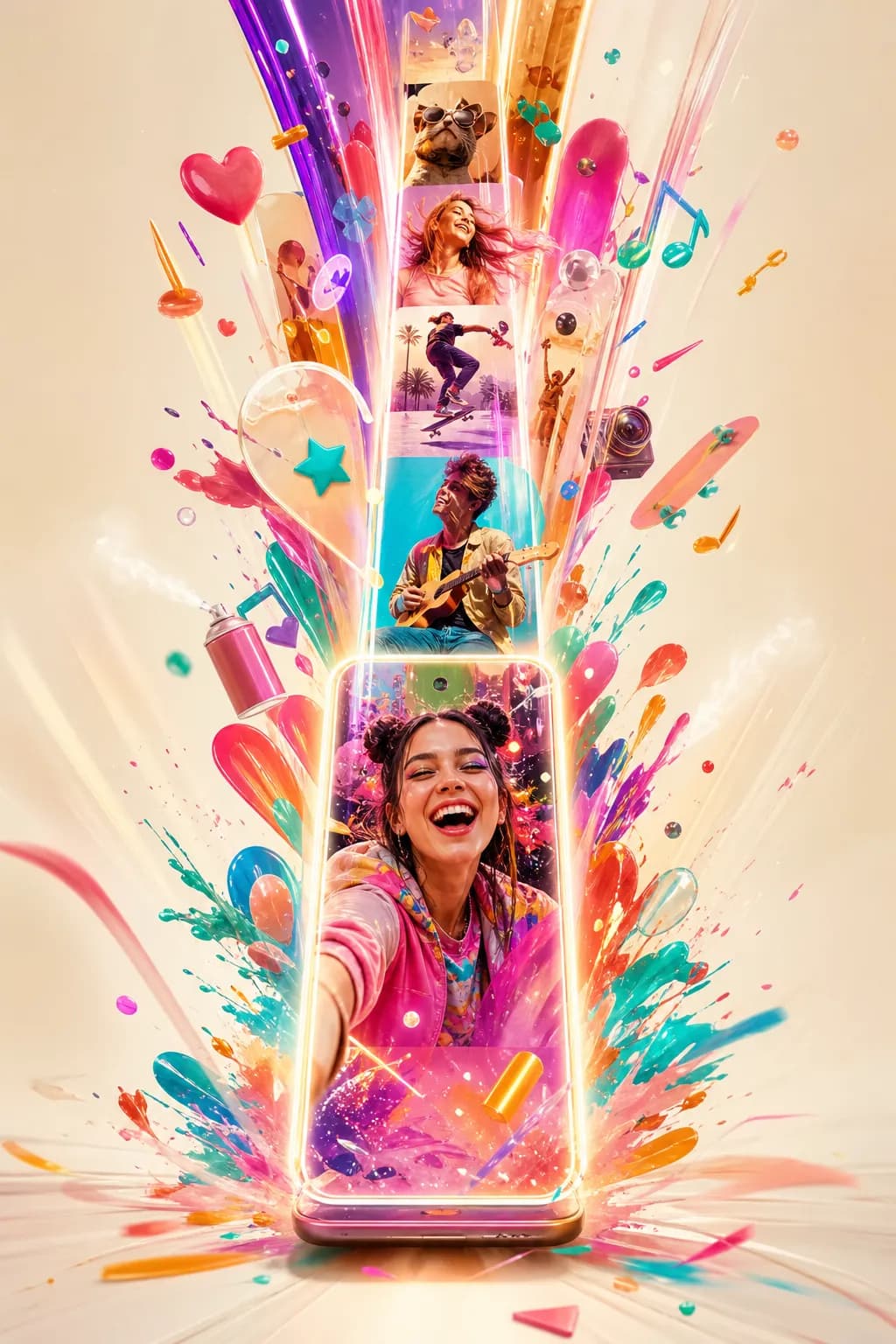
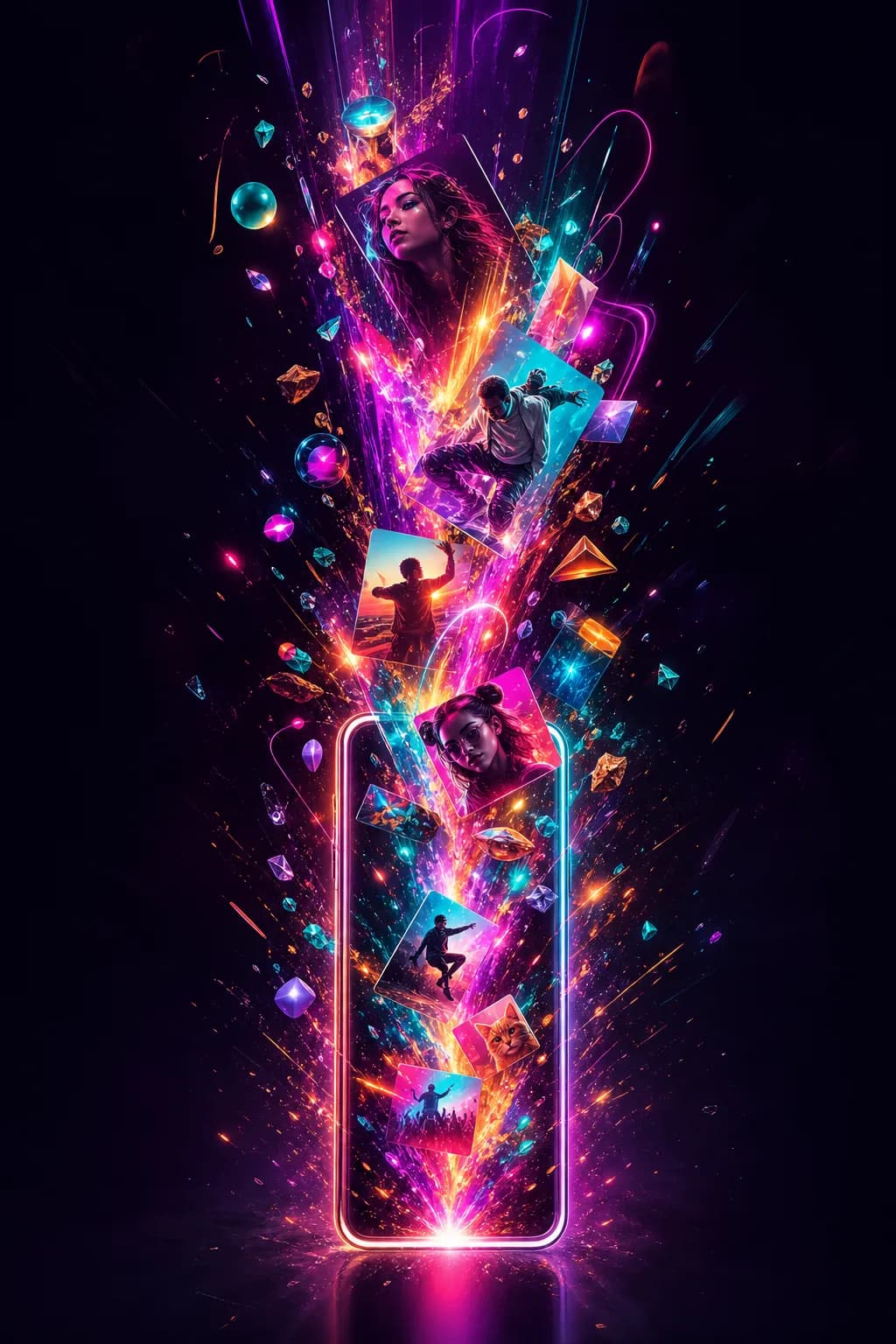
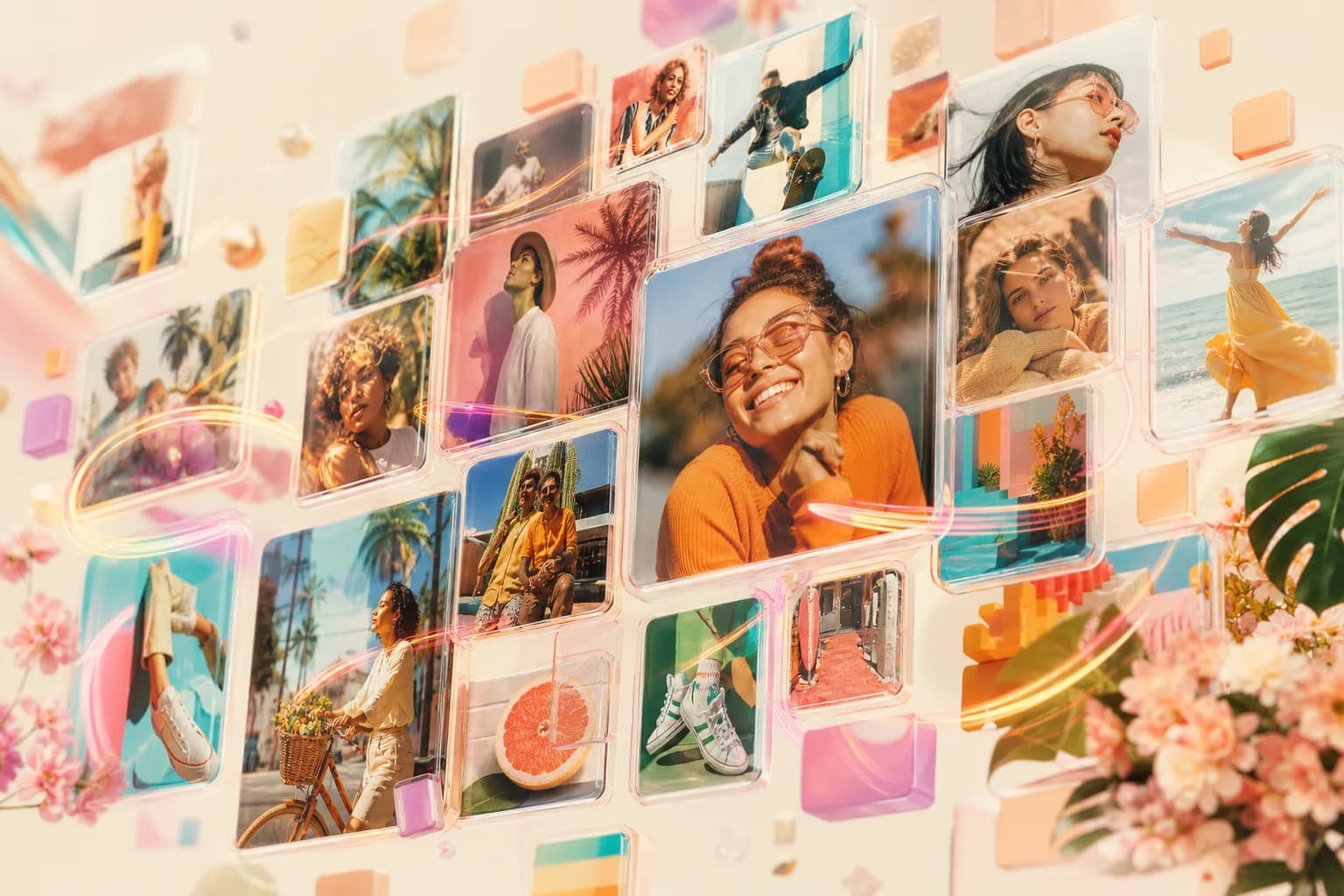
This is a real worked example, not a hypothetical: the actual creative brief used to generate the hero images live on Ekly's own marketing pages right now. It includes the part most prompting guides skip — what was tried first, rejected, and why — because the fix that came out of that rejection is the most useful thing here.
What didn't work, and why
- Creation happening, not an object sitting still — a sense that a creator is actively bringing an idea to life: energy, motion, something forming or emanating, imagination made visible.
- Rich, saturated color with real depth — jewel tones with a luminous glow, alive rather than muted, while staying tasteful rather than neon.
- A visual cue specific to the actual subject — for a platform-specific image, something that reads unmistakably as that platform's kind of creation, not a generic stand-in.
- Premium and cinematic — dramatic volumetric lighting, crisp detail, an actual sense of wonder, not a stock-photo flatness.
The prompt structure
The formula used for every image in this set
[Subject — a creator's idea coming to life, specific to the context] + [Creative energy — what’s emanating, forming, or in motion] + [Rich color — the brand's signature accent plus complementary jewel tones, luminous glow] + [Light and mood — cinematic, dramatic volumetric lighting, premium, a sense of wonder] + [Background — stated explicitly for light and dark variants] + [Guardrails — folded in as positive constraints: clean, no text, no logos, no watermark, tasteful] + [Aspect ratio].
The light/dark pairing technique
Every image on a theme-aware site needs two variants that read as the same image in both themes — not two different images that happen to share a subject.
Generate both variants in the same session, with the same subject, composition, and energy — only the background and overall light should change. If the generation tool supports a seed parameter, keep the same seed within a pair so the two variants stay genuinely matched rather than drifting into two different compositions that happen to share a theme.
A real example, start to finish
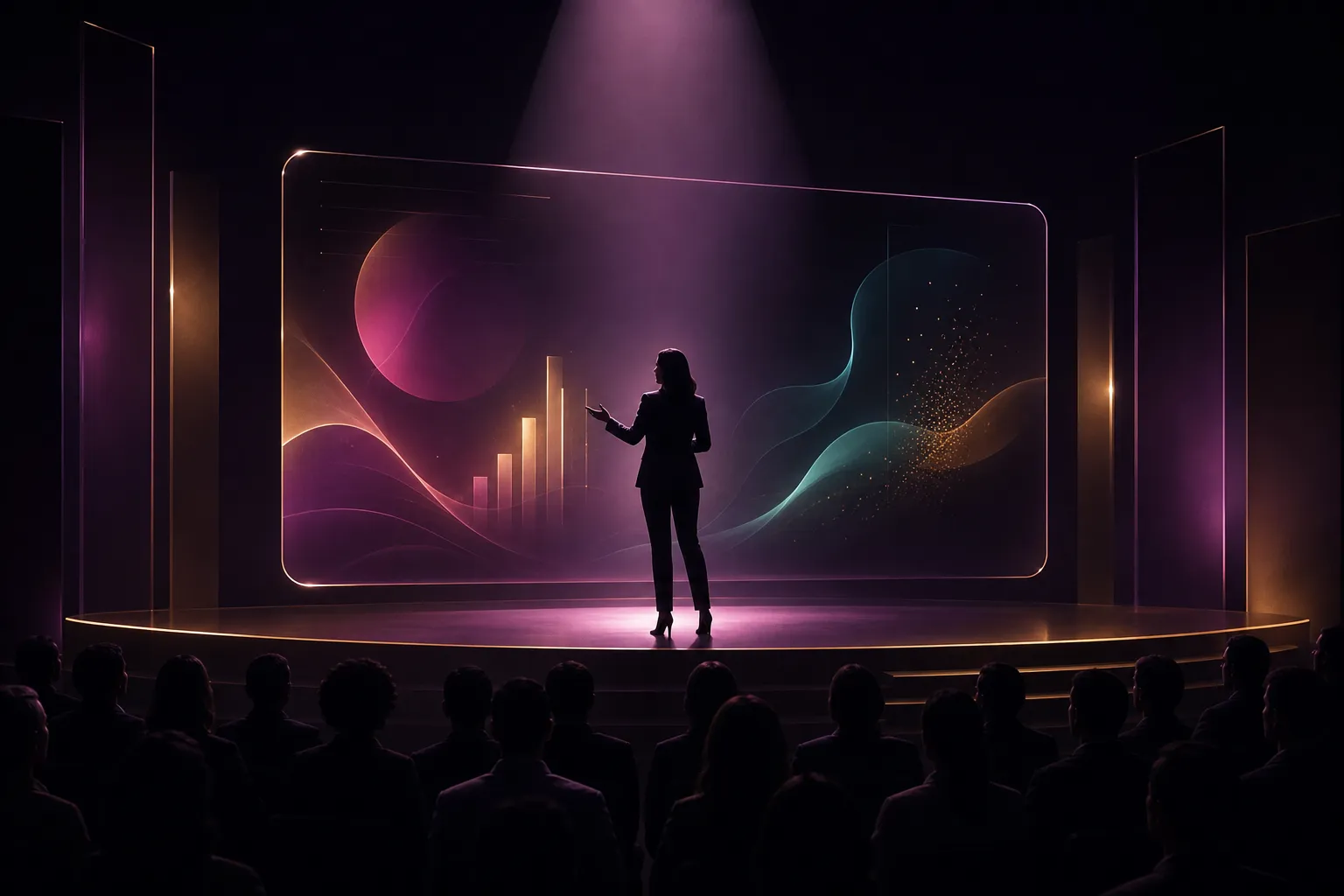
A confident, premium scene of a presenter/spotlight moment where creative color and light gather with poise — professional but alive, credible and warm, color used with restraint. Rich plum/magenta signature accent. Cinematic, dramatic volumetric lighting, a sense of wonder. Deep cool near-black background. Clean — no text, no logos, no watermark, tasteful. 16:9.
This is the actual brief behind one of the live hero images on the site — written for a professional/B2B audience specifically, which is why the direction calls for "a touch more composed" restraint than a platform aimed at a younger, faster audience would use.
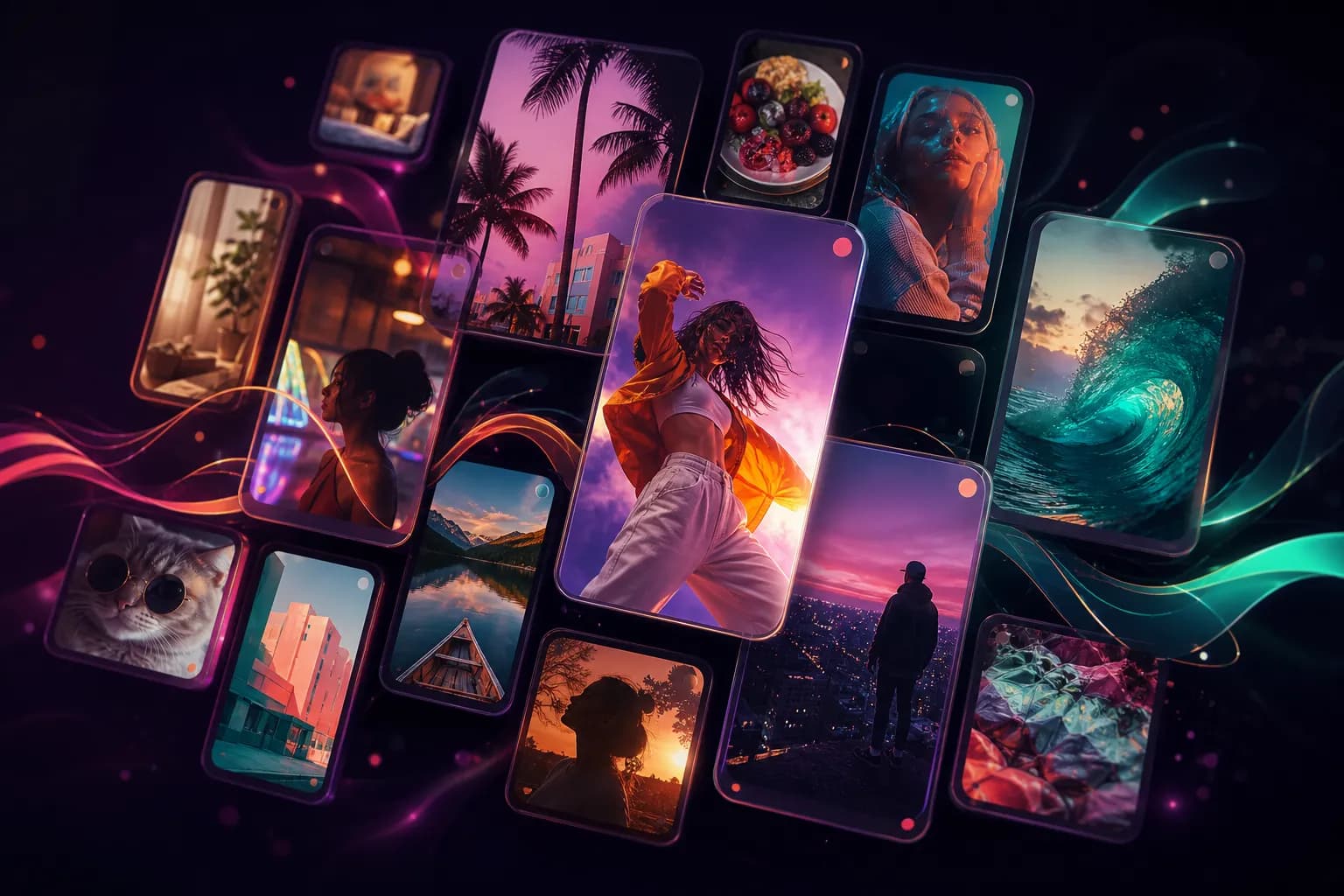
Live proof — shipped /for hero pairs
Light

Dark
Light
Dark
Light
Dark
Light

Dark
What "done" looks like
The test that actually matters isn't "does this look nice in isolation" — it's whether someone landing on the page immediately feels the thing the brief set out to say, in a color and mood that's alive rather than a flat corporate illustration, correctly matched to whichever light/dark theme they're actually viewing.
Built from official sources
- Ekly's own internal creative brief and prompt sheet for its live marketing-site hero images — first-party, not a third-party source.